Smart Thermostat Settings for Surviving Miami Heat Waves
In Miami, summer isn’t just about beach days—it’s about managing triple-digit heat, power outages, and sky-high humidity. That’s why having the right AC settings in your home matters more than ever. The way you set your thermostat can make a huge difference—not only in how comfortable you feel, but in how well your system performs and how much you spend on electricity.
Why Your AC Settings Matter More in Miami
When the heat index soars past 100°F—as it often does in Miami—your air conditioner is already running close to its limit. You might be tempted to crank the thermostat way down, but that could be doing more harm than good.
Each degree you lower your thermostat adds roughly 3–5% to your energy bill. It also adds strain to the power grid and increases the risk of blackouts. In the worst-case scenario, a sudden outage or power surge could even damage your AC unit.
This is where smart thermostat strategies come in. The right settings can lower your costs, ease pressure on your system, and help avoid costly repairs—especially when heatwaves and rolling blackouts hit.
👉 Learn more about ideal thermostat settings from the U.S. Department of Energy
Best Thermostat Settings for Miami Heat
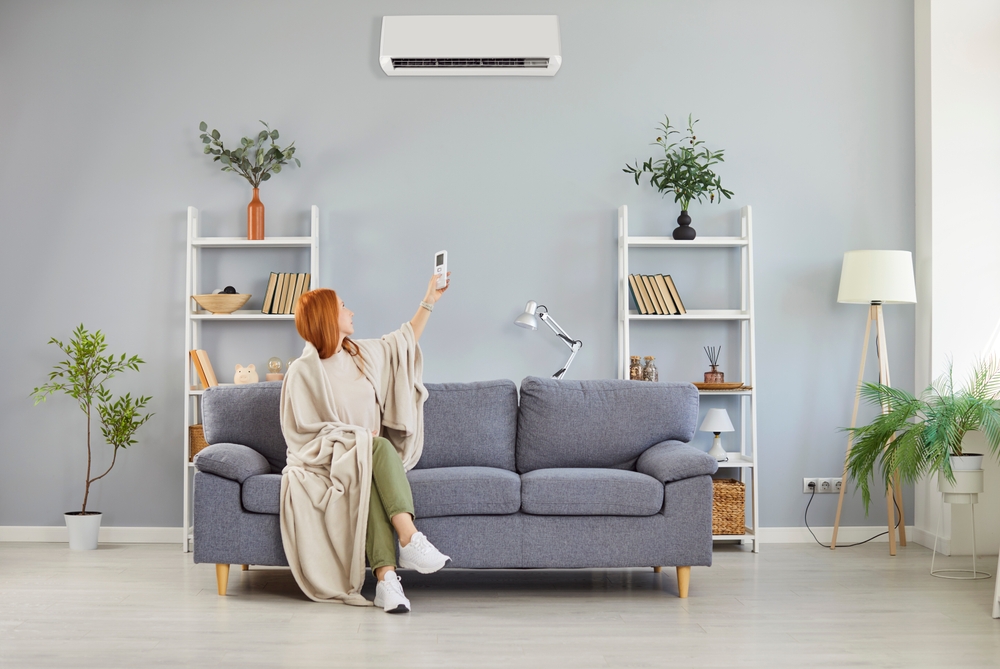
The U.S. Department of Energy recommends keeping your AC at 78°F when you’re home. That may sound high in a humid climate like Miami, but with ceiling fans and blackout curtains, you’ll be surprised how cool your space feels.
Here’s a Miami-tested thermostat schedule:
-
When Home (Day): 77–78°F
-
When Sleeping: 75–76°F
-
When Away: 83–85°F
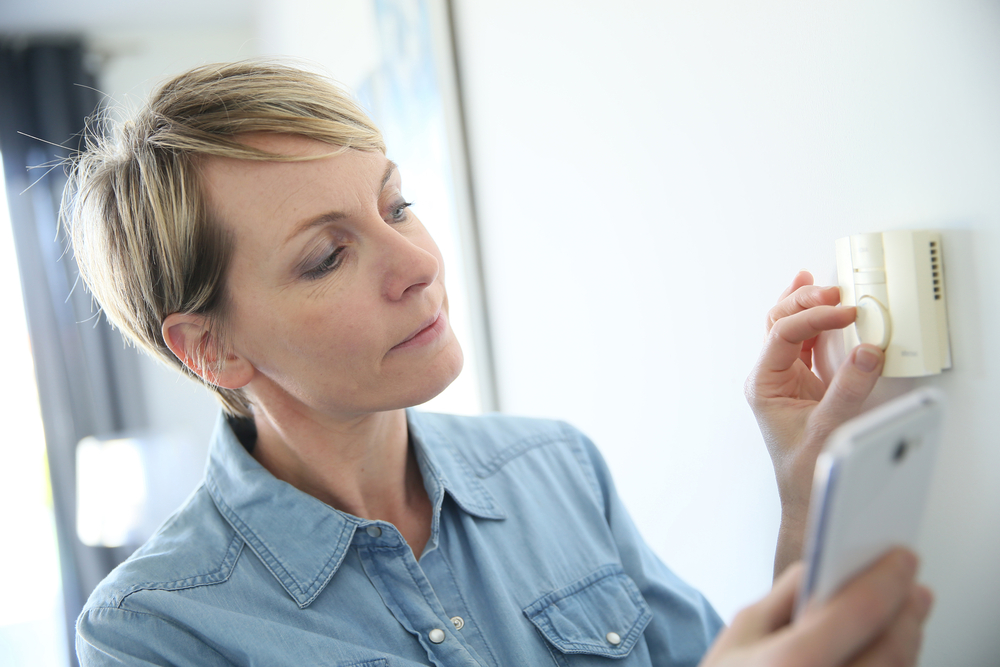
If you use a smart thermostat (like Nest or Ecobee), you can automate these settings to follow your daily routine—helping you stay cool without wasting energy.
What to Do During a Blackout in Miami
Heat-related blackouts are becoming more common in South Florida. Here’s how to prepare your AC system and your home:
-
✅ Pre-cool your home early in the morning
-
✅ Close blinds/curtains to trap cooler air
-
✅ Use ceiling fans (set counterclockwise) to boost airflow
-
✅ Skip the oven—heat stays trapped indoors
-
✅ Unplug electronics to avoid power surge damage
-
✅ Have a battery-powered fan or cooling unit on hand
And once the power returns, wait 15 minutes before turning your AC back on. This avoids surging your system and gives the grid a chance to stabilize.
Smart Tools That Keep You Comfortable
If you want to stay ahead of the heat, consider upgrading with these simple solutions:
-
Smart Thermostats – Automatically adjust to keep comfort and savings balanced
-
Surge Protectors – Protect your AC and electronics from storm-related power issues
-
High-Efficiency Air Filters – Keep airflow clean and strong, even on the hottest days
-
Dehumidifiers – Reduce strain on your AC in Miami’s sticky climate
Adding these tools now can prevent breakdowns later.
Conclusion: Control the Climate Inside
Thomas Edison once said, “The value of an idea lies in the using of it.” The same applies to your AC. It’s not just about having a powerful system—it’s about using it wisely, especially during a Miami heatwave. Smart settings, daily habits, and a little preparation can go a long way in keeping you cool, safe, and efficient.
Final Takeaway
Living in Miami means preparing for extreme weather is part of everyday life. By setting your thermostat smartly, using fans and shades, and keeping your AC maintained, you can stay comfortable while protecting your investment.
Ready to Upgrade Your AC Strategy?
Need help installing a smart thermostat, upgrading your surge protection, or getting your AC system tuned up for the season? Living Air, Inc. has you covered. We’ve helped Miami homes beat the heat for over 20 years.
📧 Email: Livingair@ymail.com
📞 Phone: 305-233-9669
🏠 Address: 8865 SW 131st Street, Miami, FL 33176